Cloud Backup vs Local Backup: What’s Right for a Small Business
A Brantford accounting office lost a hard drive the week before tax season, taking years of client files with it. The team believed they were protected. The external drive sitting beside the computer had in fact failed months earlier, and no one had checked it.
This is the scenario every small business wants to avoid, and the remedy is a backup you can genuinely rely on. The remaining question is which kind: cloud, local, or both.
Local backup: fast and in your hands
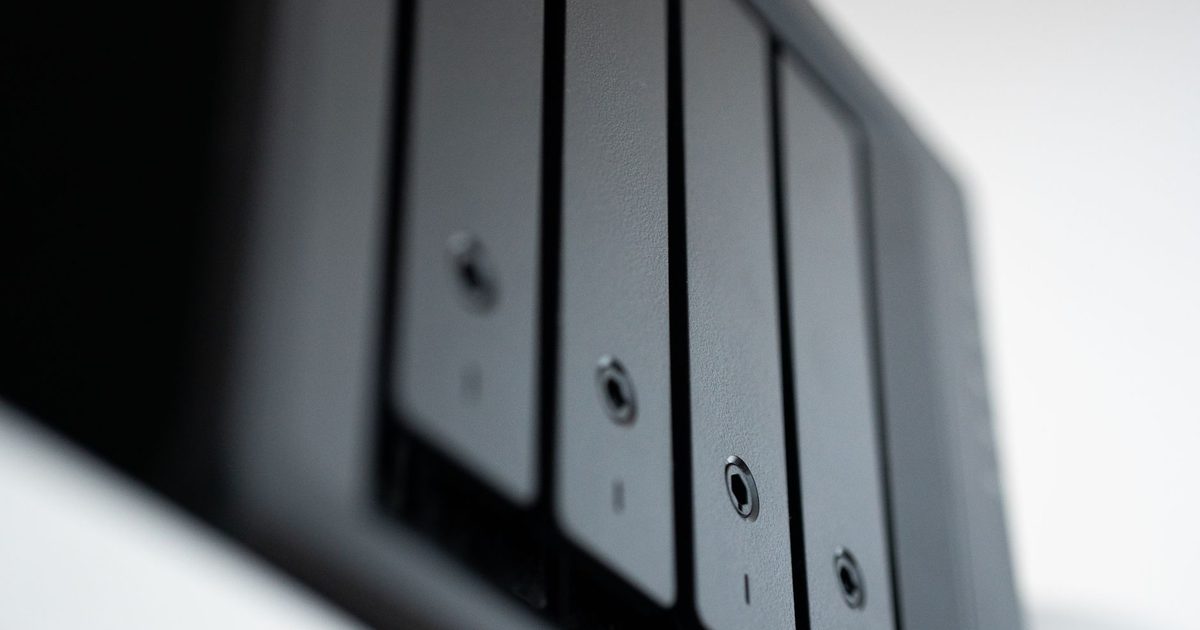
A local backup keeps a copy of your files on equipment you own and can physically reach, typically an external hard drive or a small storage device kept in the office.
Its principal advantage is speed. Writing to a drive on your desk is quick, and recovering files is equally fast, with no dependence on an internet connection. For large items such as design work or video, that speed carries real weight. You also retain full control of the data, which never leaves the building, and some businesses prefer that for privacy reasons.
Local backup carries one serious vulnerability, however. It resides in the same location as your computers, so a fire, a flood, or a break-in could destroy both the originals and the backup together. Drives also fail without warning, as that accounting office discovered.
Cloud backup: secure and off-site
A cloud backup transmits a copy of your files over the internet to secure data centres operated by a provider, so your data lives well away from the office.
That distance is the entire point. Should your premises flood, your files remain safe miles away, and you can retrieve them from any computer with an internet connection, which proves invaluable when the building itself is inaccessible. Cloud backups also run independently. Once configured, they copy your files automatically on a set schedule, with no one needing to remember to connect a drive, and that alone averts a great many disasters.
The trade-offs are modest but worth naming. You pay a monthly fee, and restoring a very large volume of data depends on your internet speed. For most small businesses, both are easy to accept.
So which one should you choose?
For most businesses, the honest answer is both. A local backup handles quick, everyday restores, while a cloud backup guards against fire, theft, or a failed drive. If one fails, the other holds.
This approach is sometimes called the 3-2-1 rule: three copies of your data, on two kinds of storage, with one kept off-site. The phrasing sounds technical, yet it amounts to a simple instruction not to place every copy in one basket. The right balance depends on the business. A trades company working mostly with email and invoices needs less than a design studio handling enormous files. We help clients build a plan that fits, as part of our broader IT services, and we test it so you are never caught out.
The worst moment to discover a backup has failed is the day you need it. If you are unsure yours works, our free IT assessment reviews your backup setup, and our monitoring and maintenance service keeps watch on it throughout the year.
FAQ
Is cloud backup safe from hackers?
Reputable cloud providers apply strong encryption and security controls to protect your data, which is generally safer than a drive left in an unlocked office. Choose an established provider and enable two-factor login.
How much does cloud backup cost for a small business?
It typically runs as a modest monthly fee scaled to how much data you store. For most small businesses it is affordable, and far cheaper than losing your files. We can size a plan to your needs.
Can I just use a USB stick to back up my business?
It is better than nothing, but risky. USB sticks fail, go missing, and are easily forgotten. A business is far better served by a proper local drive paired with cloud backup.
How often should backups run?
For most businesses, daily is the minimum, and many run continuously. The aim is never to lose more than a day’s work, and automatic backups make that easy to sustain.
Unsure whether your backups would survive a genuine emergency? Contact us and we will review your setup and close any gaps.